
Color Shade Generator
Create a full color palette with tints, shades, and WCAG contrast scores
Color Shade Generator
Usage Examples
Lighter tints (50-200) work best for backgrounds and subtle highlights.
Mid shades (400-600) are ideal for buttons, links, and primary elements.
Darker shades (700-900) are perfect for headings and high-contrast text.
Always check WCAG contrast — AA requires 4.5:1 for normal text.
Contrast
WCAG contrast requirements
- AA: 4.5:1 (Normal text)
- AA Large: 3:1 (Large text)
- AAA: 7:1 (Normal text)
Features
Full 50-900 Palette
Generate a complete Tailwind-style palette from any base color
WCAG Contrast
Every shade shows contrast scores against white and black backgrounds
Multiple Export Formats
Copy as CSS variables, SCSS, Tailwind config, or JSON
Private & Offline
Runs entirely in your browser, no data sent to any server
How to Use
Pick a Base Color
Choose a color using the picker or enter a HEX, RGB, or HSL value.
Review the Palette
See the generated shades with WCAG contrast indicators for accessibility.
Export or Copy
Copy individual colors or export the full palette as CSS, SCSS, Tailwind, or JSON.
Frequently Asked Questions
What is a Color Shade Generator?
A Color Shade Generator creates a full range of tints and shades from a single base color. Instead of guessing which lighter or darker variation to use, you get a consistent palette that works across buttons, backgrounds, borders, and text. This tool produces a 10-step scale from 50 (lightest) to 900 (darkest), matching the popular Tailwind CSS color system.
How It Works
The generator converts your base color to HSL and adjusts the lightness value to create 10 evenly distributed stops. Each shade is then evaluated against white and black backgrounds using the WCAG 2.1 contrast formula, so you immediately know which colors are accessible for text. Everything runs in your browser with no server round-trips.
Common Use Cases
Designers use shade generators to build brand palettes, create design tokens, and maintain visual consistency across a product. Developers love them for generating Tailwind config entries or CSS custom properties. They are also essential for accessibility audits, helping you pick text and background pairs that meet WCAG AA or AAA requirements.
Privacy and Security
This Color Shade Generator is 100% client-side. All color calculations happen in your browser using JavaScript. No colors, palettes, or exports are sent to any server. No cookies track your choices, and nothing is stored beyond your current session. Safe to use for confidential brand work and internal design systems.
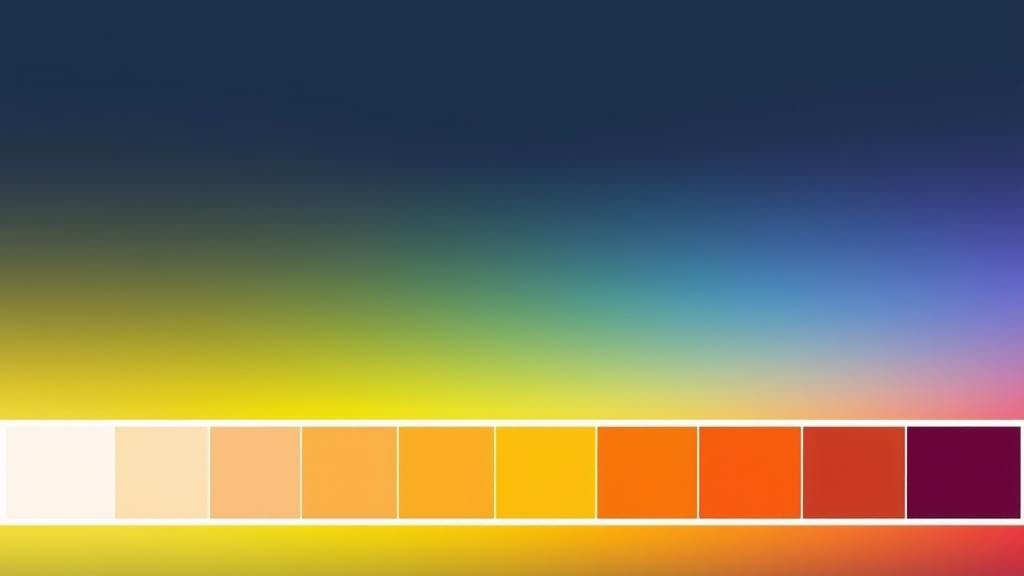
Color Theory for Web Design - Shades, Tints & WCAG Contrast Guide
Master color theory, shades and tints, WCAG contrast standards, and how to build a complete design system palette.