
Invisible Character Detector
Detect and remove invisible, hidden, and zero-width characters in text
Invisible Character Detector
Statistics
Usage Examples
Zero-Width Spaces
Detect zero-width spaces that can cause issues in code, URLs, and text comparisons.
Non-Breaking Spaces
Find non-breaking spaces and soft hyphens hidden in text copied from websites or documents.
BOM & Control Characters
Detect BOM characters and various Unicode control characters that can break code and data files.
Features
Deep Detection
Detects 30+ types of invisible Unicode characters including zero-width spaces, joiners, marks, and control characters
Visual Highlighting
Shows invisible characters with visible markers in the preview, making them easy to locate
One-Click Cleaning
Remove all invisible characters instantly with a single click and copy the cleaned text
Privacy First
All processing happens locally in your browser, no data sent to servers
How to Use?
Paste Your Text
Paste the text you want to analyze into the input area. It can be from any source: websites, documents, code, etc.
Analyze
Click Analyze to detect invisible characters. View the results table showing each type, count, and positions.
Clean and Copy
Click "Remove All" to strip invisible characters, or "Copy Clean Text" to copy the cleaned version.
Frequently Asked Questions
What Are Invisible Characters?
You know that frustrating moment when two strings look identical but your code says they are not equal? Chances are there is an invisible Unicode character hiding in there. Zero-width spaces, byte order marks, soft hyphens -- these sneaky characters are everywhere, and you cannot see them without the right tool.
How This Detector Helps
Paste your text and hit Analyze. The tool scans for 30+ types of invisible characters, highlights exactly where they are hiding, and shows you the Unicode code point for each one. You get a clear breakdown by type with exact positions -- no more guessing.
Common Scenarios
Copied text from a website and your layout looks off? Pasted a URL that does not work even though it looks correct? Database entries that refuse to match? These are classic invisible character problems. Developers, content editors, and QA teams run into this constantly.
Clean Your Text in One Click
Once you spot the hidden characters, click Remove All to strip them out instantly. Copy the cleaned text and get back to work. No plugins to install, no registration required -- just paste, scan, and clean.
Why Not Just Use a Regex?
You could write a regex to catch some invisible characters, but there are over 30 different types across various Unicode ranges. This tool handles all of them automatically, including obscure ones like right-to-left marks, word joiners, and variation selectors that most regex patterns miss.
Privacy and Security
Your text stays in your browser. Nothing is uploaded, stored, or logged. This is especially important if you are working with sensitive content like source code, API keys, or private documents.
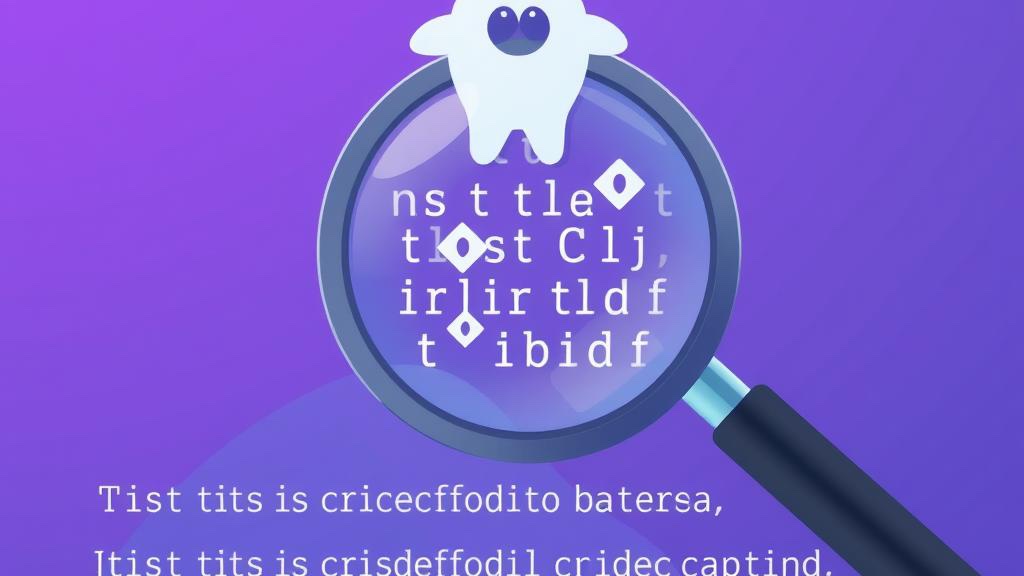
Invisible Characters in Text - How to Find and Remove Hidden Unicode
Learn about invisible Unicode characters like zero-width spaces and BOM that break your code. Find and remove them with our free detector tool.