
Data Transformation Kit
A step-by-step workflow for converting and reshaping data
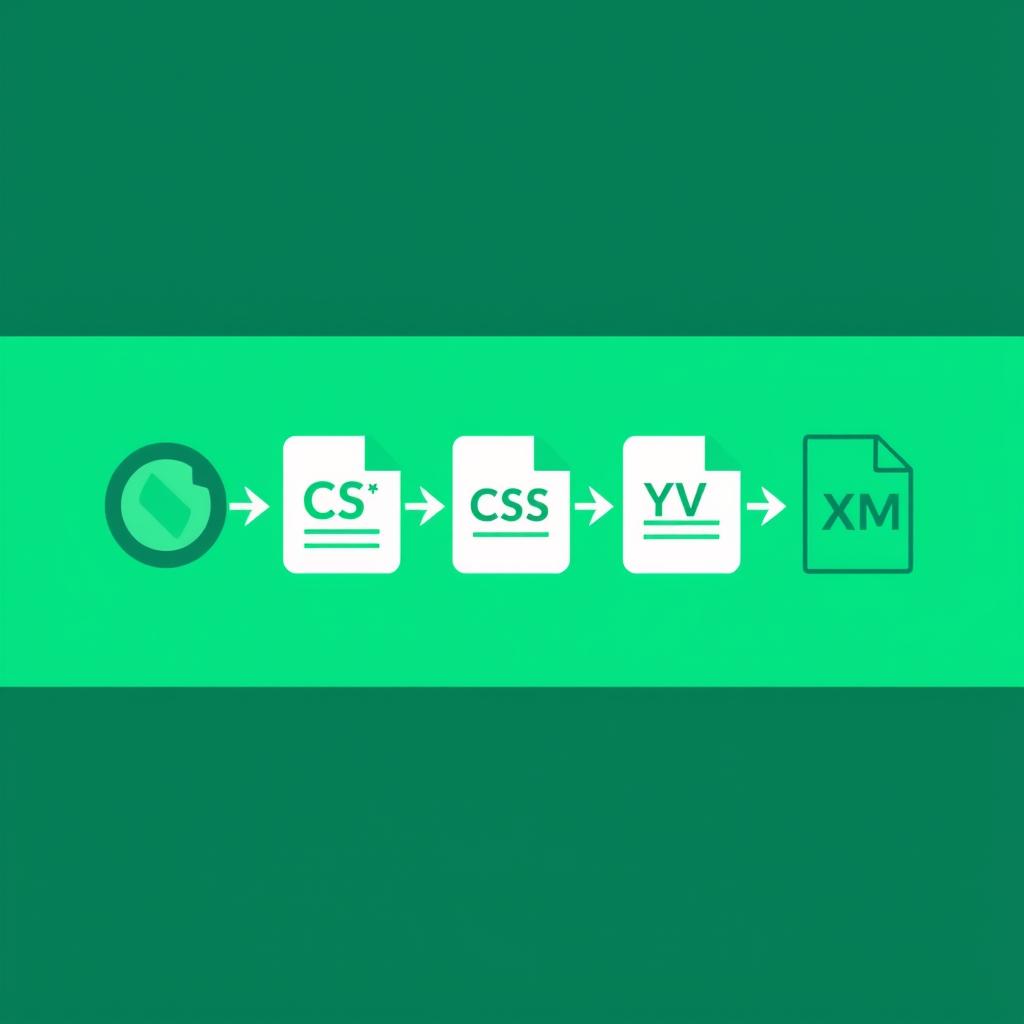
This workflow is for developers, data analysts, and DevOps engineers who regularly move data between formats — APIs, spreadsheets, config files, and legacy systems. Work through the steps in order when starting a new data pipeline, or jump directly to the format conversion you need right now.
Format and Validate JSON
Raw JSON from APIs or databases is often minified and hard to read. Format it first to understand the structure before writing any transformation logic.
Navigate Nested Data
Use JSONPath expressions to locate and extract specific fields from complex nested objects. Useful for understanding data structure before writing transformation code.
Convert JSON Arrays to CSV
Spreadsheets, data analysis tools, and many reporting systems work with CSV. Flatten your JSON arrays into tabular rows and columns.
Convert CSV Back to JSON
Turn spreadsheet exports, database dumps, or legacy data into JSON for APIs and web apps. Control field names and handle missing values cleanly.
Work with YAML Configs
YAML is everywhere in DevOps — Docker Compose, Kubernetes, GitHub Actions, Ansible. Convert between YAML and JSON when switching between config files and API calls.
Format and Read XML
Legacy APIs, enterprise systems, and RSS feeds still use XML. Format XML to make it readable, then extract the data you need before converting to a modern format.
Convert Between Any Formats
When you need to convert between JSON, XML, CSV, YAML, and more in one place, this tool handles the full matrix of format conversions.
Pro Tips
- When converting deeply nested JSON to CSV, decide upfront which level you want as rows. Flattening multiple levels into one row makes for wide, messy tables — it is often cleaner to export each nested array separately.
- YAML anchors and aliases get lost when converting to JSON. If your YAML config uses them for reuse, check the JSON output carefully to make sure all values are correctly expanded.
- Before sending XML data through a conversion, strip any namespace prefixes (xmlns attributes) that your target system does not expect — they often cause silent parse failures downstream.