
Image Processing Pipeline
A complete step-by-step workflow for preparing images for any use case
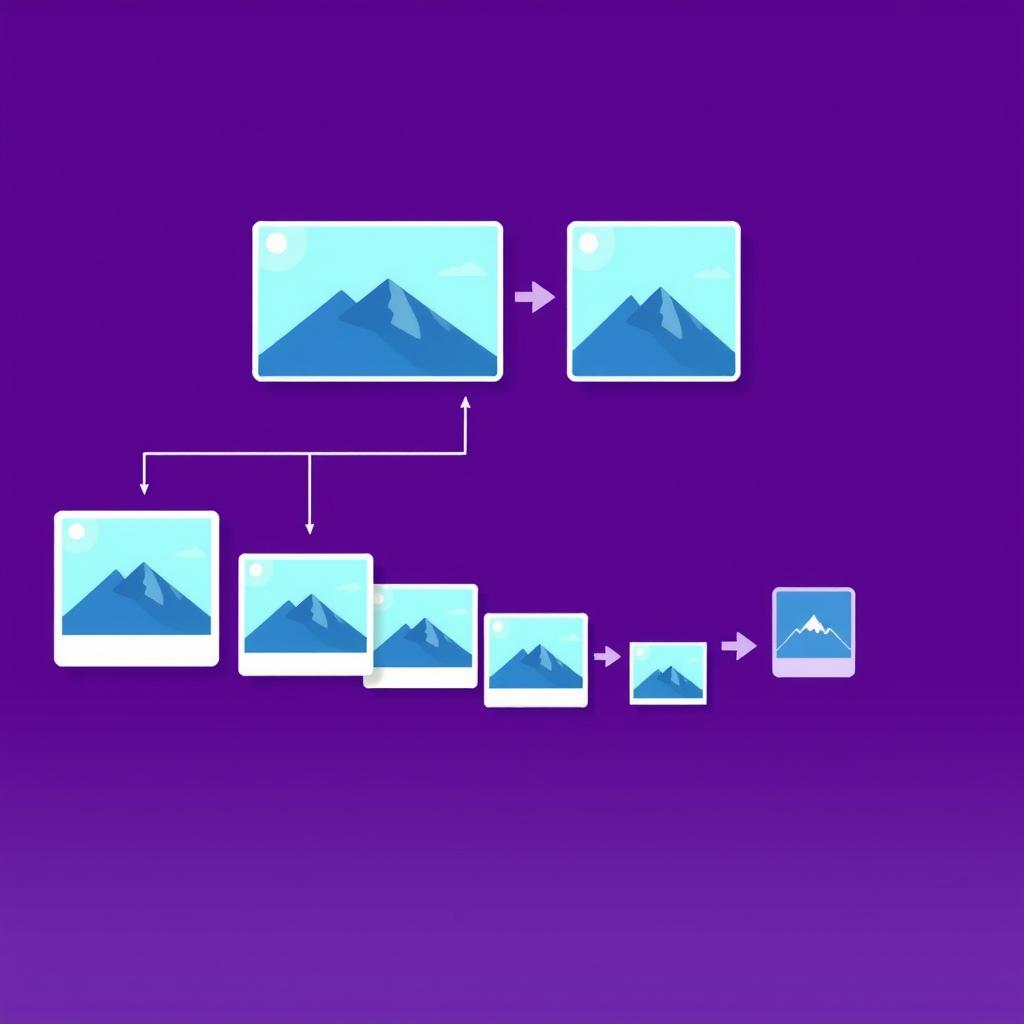
Whether you're preparing images for a website, app, social media, or email, getting the details right matters. This pipeline walks you through each step — from inspecting raw metadata to embedding images directly in code — so your images are optimized, correctly sized, and in the right format before they go live.
Inspect Image Metadata
Before processing, know exactly what you're working with — dimensions, file size, format, color profile, and EXIF data. This prevents surprises when you resize or compress.
Compress Without Losing Quality
Unoptimized images are the single biggest cause of slow page loads. Compress images to reduce file size by 50–80% with no visible quality loss.
Resize to Target Dimensions
Different contexts need different sizes — thumbnails, hero images, social media cards. Set exact pixel dimensions and let the tool maintain aspect ratio automatically.
Crop to the Right Ratio
Social media platforms and profile pictures require specific aspect ratios (1:1 for Instagram, 16:9 for Twitter). Crop precisely without distortion.
Convert to the Right Format
Format choice matters: WebP for web (smaller files), PNG for transparency, JPEG for photos. Convert based on where the image will be used.
Embed Images in Code
For small icons or email images that can't use external URLs, Base64 embeds the image directly in HTML or CSS — eliminating extra HTTP requests.
Pro Tips
- Always inspect metadata first — knowing the original dimensions and color profile saves you from resizing mistakes later.
- Compress before resizing when working with very large originals; it's faster and reduces memory usage in the browser.
- For websites, WebP is almost always the best format choice — it's smaller than JPEG and PNG while supporting both lossy and lossless compression.