
API Development Kit
A step-by-step workflow for building and testing APIs
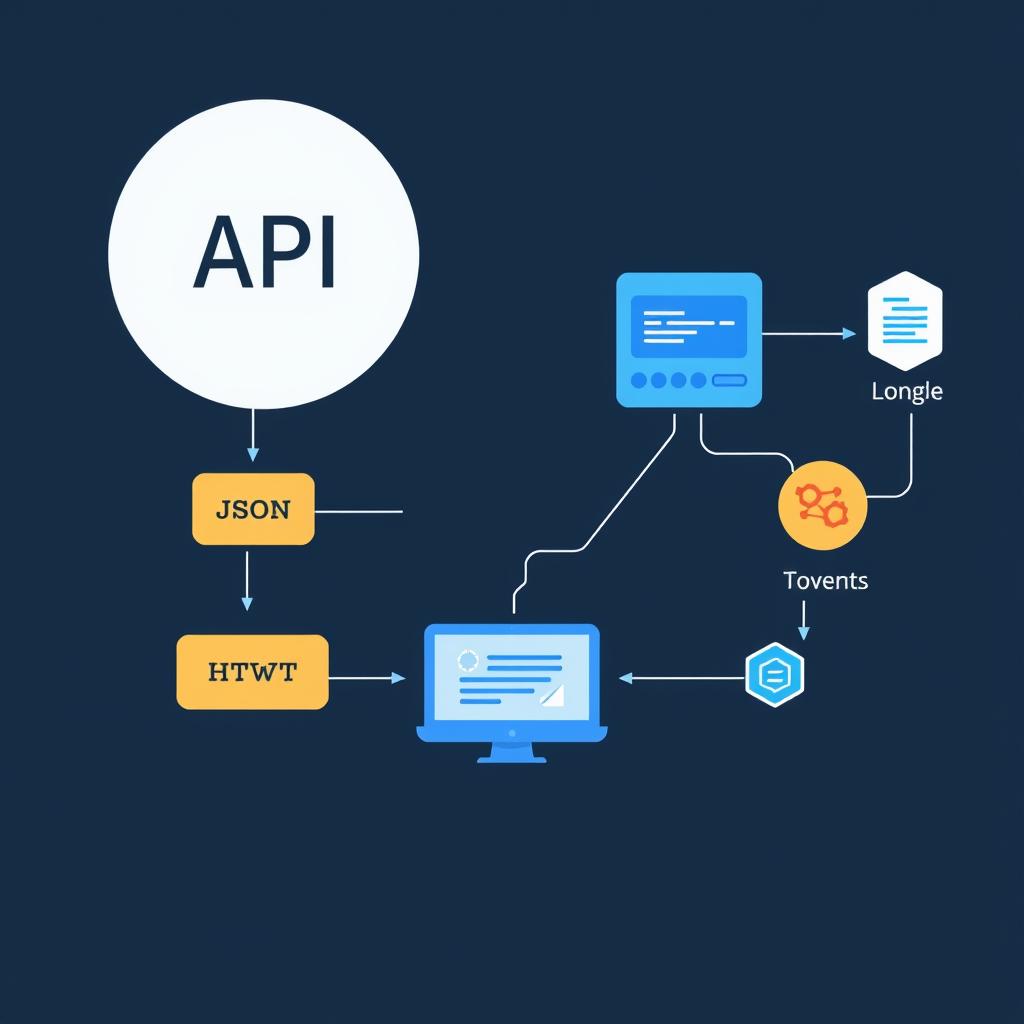
This workflow is for backend developers and API integrators who want a structured way to handle the most common API tasks — from reading raw responses to signing requests for security. Work through the steps in order when starting a new API integration, or jump to any step you need.
Format & Validate JSON
API responses need to be readable before you can work with them. Paste raw JSON to check structure and catch syntax errors immediately — malformed JSON causes silent failures that are hard to debug later.
Generate Unique Resource IDs
Every resource in your API needs a unique identifier. UUIDs are collision-free, work across distributed systems, and don't expose internal database sequences.
Encode Binary Data for Transport
APIs frequently exchange binary data as text — images, files, certificates. Base64 is the standard encoding for embedding binary in JSON or HTTP headers.
Encode URL Parameters
Query strings with special characters (spaces, ampersands, equals signs) break API requests. Encode every parameter before appending it to endpoint URLs.
Create Authentication Tokens
Secure your API endpoints with JWT tokens. Set the payload, pick a signing algorithm, and generate tokens to test authentication flows without touching your auth server.
Sign Requests for Integrity
Add request signing for webhook verification or API key authentication. HMAC ensures payloads haven't been tampered with in transit — required by Stripe, GitHub, and many other APIs.
Extract Fields from Responses
When responses are deeply nested, JSONPath lets you extract exactly the fields you need. Faster than writing custom parsers and useful for documenting which fields your code depends on.
Pro Tips
- Keep a test JSON response saved locally for each API you integrate. Re-paste it into the formatter whenever the API updates to spot new or changed fields quickly.
- When debugging HMAC mismatches, check character encoding first. A single UTF-8 vs ASCII difference in the key or message produces a completely different signature.
- JWT payloads are only Base64-encoded, not encrypted. Never put passwords, full credit card numbers, or other sensitive data in a JWT claim.